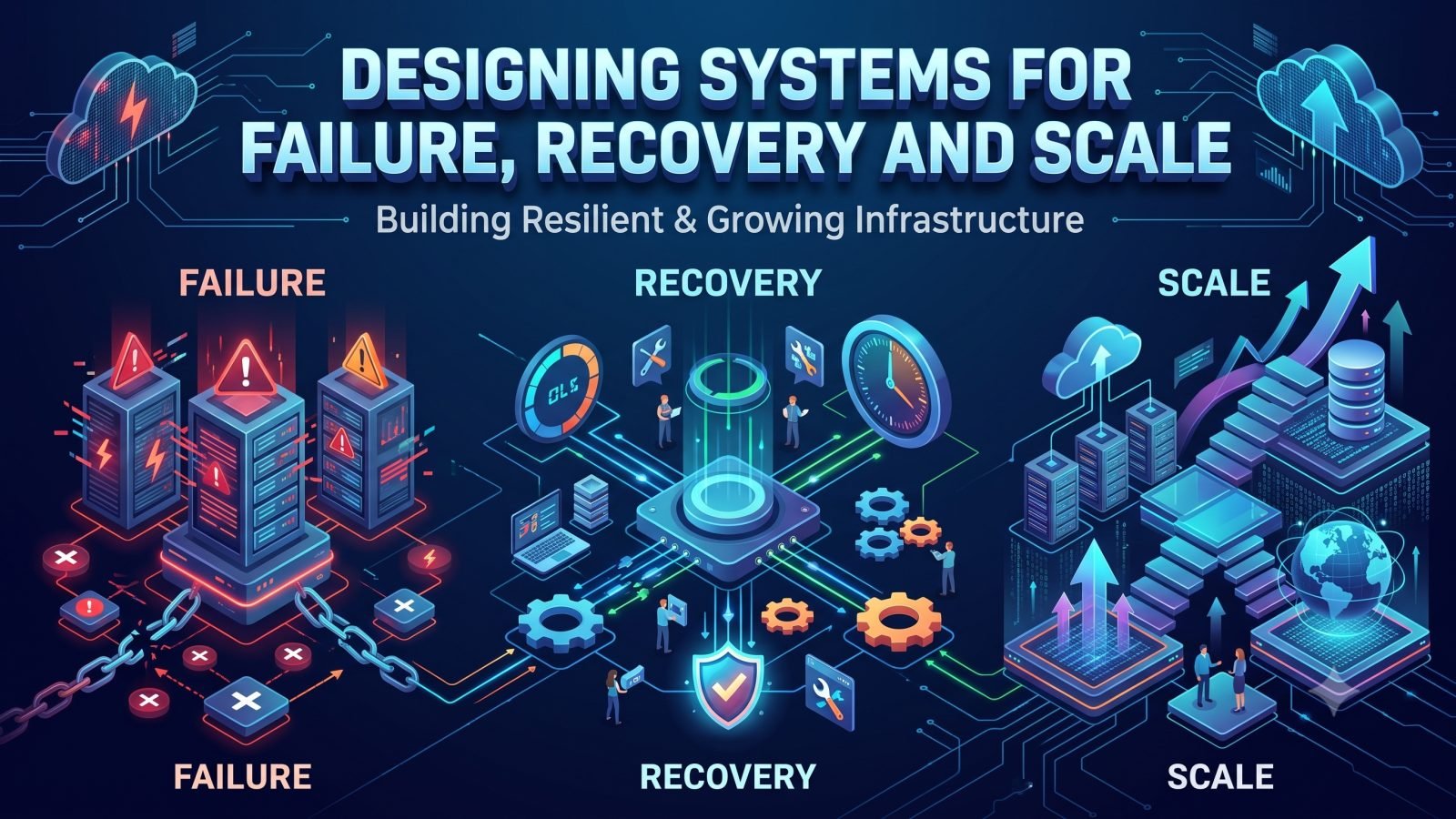
Key Takeaways
- Every component will eventually fail, so design for how the system behaves when it does.
- Timeouts, limited retries with backoff, circuit breakers and bulkheads stop slow dependencies from spreading failure.
- Idempotent operations and durable queues make retries and failovers safe.
- Backups are not disaster recovery; set RPO and RTO per system and test restores regularly.
- Respond to incidents by restoring service first, then learn through blameless reviews with owned actions.
Start by assuming failure
Servers crash, disks fill up, networks drop packets, certificates expire, third-party APIs slow down and someone eventually runs the wrong command on the wrong machine. None of these events is unusual. In any system that runs long enough, they are certain. What separates a resilient system from a fragile one is not the absence of failure but how the system behaves when failure happens.
Designing for failure means changing the default question. Instead of asking whether a component will work, engineers ask what happens to the rest of the system when it does not. If the database replica falls behind, do reads return stale data, wait, or fail? If the payment gateway times out, does the order get lost, duplicated or queued? If one application server dies mid-request, does the user see an error, a retry or nothing at all?
Answering these questions early, during design rather than during an outage, is far cheaper. The principles below give a structure for doing that.
Redundancy and eliminating single points of failure
A single point of failure is any component whose loss stops the whole service. The obvious candidates are a lone database server or a single load balancer, but many are less visible: one DNS provider, one internet uplink, one administrator who knows how the deployment works, or one shared credential that expires on the same day everywhere.
Removing single points of failure usually means redundancy:
- Stateless application tiers running multiple instances behind a load balancer, so any instance can be lost without user impact.
- Replicated data stores with a tested promotion or failover process.
- Redundant network paths and power for critical on-premises systems, such as telephony and dialer servers.
- Separation of failure domains, placing redundant components in different racks, zones or sites so that one event cannot take out both copies.
Redundancy is only valuable if failover actually works. A standby that has never been promoted is a hope, not a plan. It also adds cost and complexity, so prioritize based on business impact: a customer-facing contact center platform justifies more redundancy than an internal reporting tool that can tolerate an hour of downtime.
Timeouts, retries, backoff and circuit breakers
Many serious outages are not caused by a component failing outright but by one becoming slow. A slow dependency ties up threads and connections in every caller, and the slowdown spreads until the whole system stalls. A few well-established patterns contain this.
Timeouts everywhere
Every network call should have an explicit timeout chosen deliberately, not left to a library default that may be minutes long or infinite. A timeout turns an indefinite hang into a clear failure that the caller can handle.
Retries with backoff and jitter
Transient failures are common, and retrying often succeeds. But naive retries can multiply load on a struggling service and turn a brief problem into a prolonged one. Limit the number of retries, wait progressively longer between attempts and add randomness so that thousands of clients do not retry at the same instant.
Circuit breakers
When a dependency is clearly unhealthy, continuing to call it wastes resources and delays the response. A circuit breaker tracks recent failures and, past a threshold, stops calling the dependency for a period, failing fast or using a fallback instead. It then lets a few test requests through to check whether the dependency has recovered.
Bulkheads
Separate resource pools for different dependencies or workloads ensure that one misbehaving integration cannot exhaust the connections or workers that everything else needs.
Graceful degradation, idempotency and queues
Degrade instead of failing completely
Not every feature is equally important. When a non-essential dependency fails, the system should keep its core function running. A service desk can still accept and route tickets if its knowledge-base suggestions are unavailable. A dialer can keep agents on calls if a real-time wallboard stops updating. Deciding in advance which features are essential and which can be switched off under pressure is a product decision as much as a technical one.
Make operations idempotent
Retries and failovers mean that the same request will sometimes arrive twice. An idempotent operation produces the same result whether it runs once or several times. Common techniques include client-supplied idempotency keys, unique constraints on business identifiers and checking current state before applying a change. Without idempotency, retries can create duplicate orders, double charges or repeated calls to the same customer.
Use queues to absorb bursts and decouple work
Placing work on a durable queue separates the part of the system that accepts a request from the part that processes it. Spikes in demand fill the queue instead of overwhelming workers, and a temporary failure in a downstream service delays processing instead of losing data. Queues need their own care: monitor depth and age, define what happens to messages that repeatedly fail, and ensure consumers are idempotent.
Backups versus disaster recovery
Backups and disaster recovery are related but not the same. A backup is a copy of data. Disaster recovery is the tested ability to restore a working service, including data, configuration, infrastructure, access and people, within an acceptable time.
Two concepts frame the conversation with the business:
| Concept | Question it answers | Drives decisions about |
|---|---|---|
| Recovery Point Objective (RPO) | How much data can we afford to lose? | Backup frequency, replication, transaction log shipping |
| Recovery Time Objective (RTO) | How long can the service be unavailable? | Standby environments, automation, runbooks, staffing |
These targets should be set per system based on business impact, not uniformly. Tighter targets cost more, so the right answer is a deliberate trade-off rather than the smallest number possible.
Some practices separate a real recovery capability from a false sense of safety:
- Keep backups isolated from production, including separate credentials, so that ransomware or an accidental deletion cannot destroy both.
- Back up configuration and secrets management as well as databases. A restored database is of little use if nobody can rebuild the servers around it.
- Write runbooks clear enough for someone other than the original engineer to follow under pressure.
Test recovery, not just backups
The only reliable evidence that a system can recover is that it has recovered, recently, under realistic conditions. Many organizations discover during a real incident that backups were incomplete, restores take far longer than assumed or a failover depends on a step nobody documented.
Recovery testing can be introduced gradually:
- Restore drills. Regularly restore backups into an isolated environment and verify the data is complete and usable. Record how long it took.
- Failover exercises. Promote a replica, switch traffic to a standby site or remove an application node during a planned window, and observe what breaks.
- Game days. Simulate a realistic scenario, such as a lost database server or an expired certificate, and walk the team through detection, decision and recovery.
- Controlled fault injection. Once the basics are solid, deliberately introduce latency or failures in non-critical paths to confirm timeouts, circuit breakers and degradation behave as designed.
Each exercise should produce a short list of fixes. Over time, these exercises are what turn RPO and RTO from aspirations into measured capabilities.
Capacity planning and horizontal scaling
Scale is a form of failure waiting to happen. A system that handles today's load comfortably can fall over during a seasonal peak, a marketing campaign or a sudden increase in call volume.
Capacity planning starts with understanding which resources limit the system: CPU and memory, but also database connections, disk throughput, network bandwidth, telephony channels, licence limits and third-party rate limits. Track these against business drivers, such as concurrent agents or tickets per hour, so growth can be forecast in business terms. Load test before major launches and peaks rather than discovering limits in production. Our article on infrastructure monitoring beyond CPU and memory covers which signals are worth watching.
Horizontal scaling, adding more instances rather than bigger ones, generally offers better resilience and more headroom. It depends on design choices made earlier: stateless application servers, session data held in a shared store, idempotent workers pulling from queues, and data stores that can be replicated or partitioned. Vertical scaling still has its place, particularly for databases, but it has a ceiling and concentrates risk in fewer machines.
Incident response and post-incident reviews
Even with sound design, incidents will happen. How an organization responds determines both the impact on customers and whether the same problem recurs.
- Detect quickly with monitoring focused on user-facing symptoms, such as failed calls, error rates and slow responses, not just server health.
- Define roles. A clear incident lead, a communications owner and technical responders avoid confusion and duplicated effort.
- Prioritize restoration over diagnosis. Roll back, fail over or disable a feature first; investigate root cause once service is stable.
- Communicate early and plainly to stakeholders and, where appropriate, customers.
After the incident, a blameless post-incident review asks what happened, why the system allowed it, how it was detected and what would reduce the chance or impact of a repeat. The output should be a small number of concrete, owned actions, tracked to completion in the service management system rather than left in a document.
Resilience is not a product you install. It is the accumulated result of design decisions, tested recovery and honest learning from each failure. If you want an independent view of where your systems are most exposed, talk to our engineering team.
Frequently Asked Questions
What is the difference between RPO and RTO?
RPO, the Recovery Point Objective, is how much data the business can afford to lose, measured as a window of time. RTO, the Recovery Time Objective, is how long a service can be unavailable before the impact becomes unacceptable. RPO shapes backup and replication choices; RTO shapes standby environments, automation and runbooks.
Are retries always a good idea?
Retries help with transient failures but can overload a struggling service if used carelessly. Limit the number of attempts, use exponential backoff with jitter, combine them with circuit breakers and make sure the operations being retried are idempotent.
How often should disaster recovery be tested?
It depends on how critical the system is and how often it changes, but restore drills and failover exercises should run on a regular schedule and after major infrastructure changes. A recovery plan that has not been tested recently should not be relied on.